19
Password Generator vs Password Strength Checker: What’s the Difference?
Learn the difference between a password generator and a password strength checker, and discover how to create stronger passwords for better online security.
Online security starts with one basic habit: using strong passwords. Yet many people still reuse weak passwords across multiple websites, which increases risk and makes accounts easier to compromise.
Two tools can help: a Password Generator and a Password Strength Checker. They sound similar, but they solve different problems.
What does a password generator do?
A password generator creates random, hard-to-guess passwords. Instead of choosing predictable words, dates, or names, a generator produces stronger combinations using letters, numbers, and symbols.
This is useful because most weak passwords follow familiar patterns. Attackers know that people often use simple words, repeated characters, or small variations of old passwords.
A strong password generator removes that guesswork.
What does a password strength checker do?
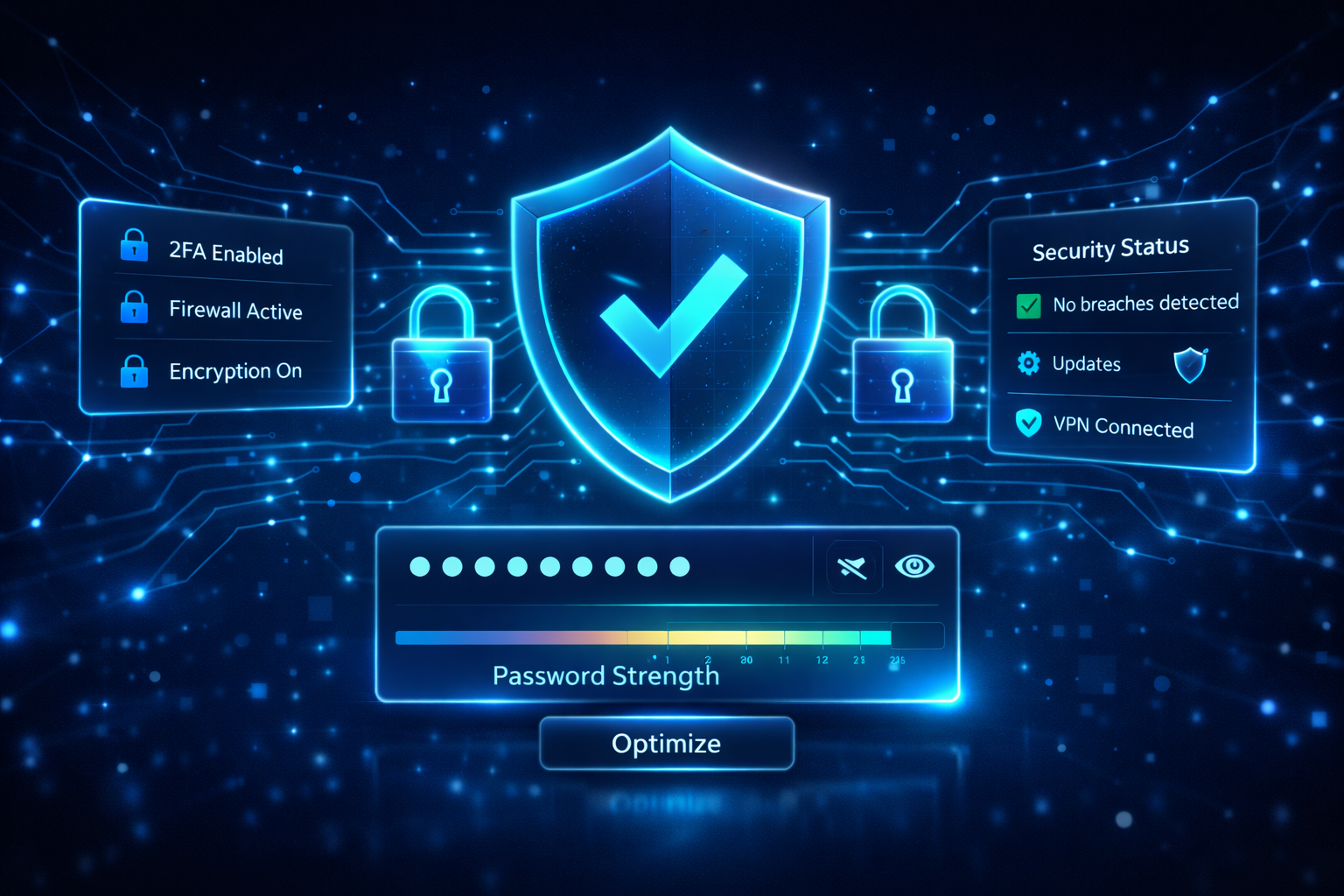
A password strength checker analyzes an existing password and estimates how secure it is. It may consider factors such as length, character variety, and pattern predictability.
This helps users understand whether a password is too weak, acceptable, or strong. It is a good second step after generating or choosing a password.
Why you should use both tools
The best workflow is simple:
- create a password with a generator
- review it with a strength checker
- save it in a trusted password manager
- use unique passwords for every account
Using both tools gives you a stronger starting point and a better way to validate the result.
What makes a password strong?
A strong password usually includes:
- enough length
- a mix of uppercase and lowercase letters
- numbers and symbols where appropriate
- no obvious dictionary words
- no reused patterns from older passwords
In general, longer and more unique passwords are harder to crack.
Common password mistakes
Avoid these common habits:
- reusing the same password across sites
- using personal names or birthdays
- choosing short passwords
- relying on predictable substitutions
- storing passwords in insecure notes or messages
Strong passwords and business security
For freelancers, teams, agencies, and business owners, password hygiene matters even more. A weak password can expose client data, internal systems, payment accounts, and website dashboards.
Using a password generator is a fast way to improve everyday security without extra complexity.
Final thoughts
A password generator creates strong credentials. A password strength checker evaluates them. Together, they help you build a safer password routine and reduce avoidable security risks.
Need a better password today? Use the Cybinix Tools Password Generator and test it with the Password Strength Tool.
Contact
Missing something?
Feel free to request missing tools or give some feedback using our contact form.
Contact Us