19
How to Compress Images Without Losing Too Much Quality
Learn how to compress images for websites, blogs, and online stores without sacrificing too much quality. Improve speed with smart image optimization.
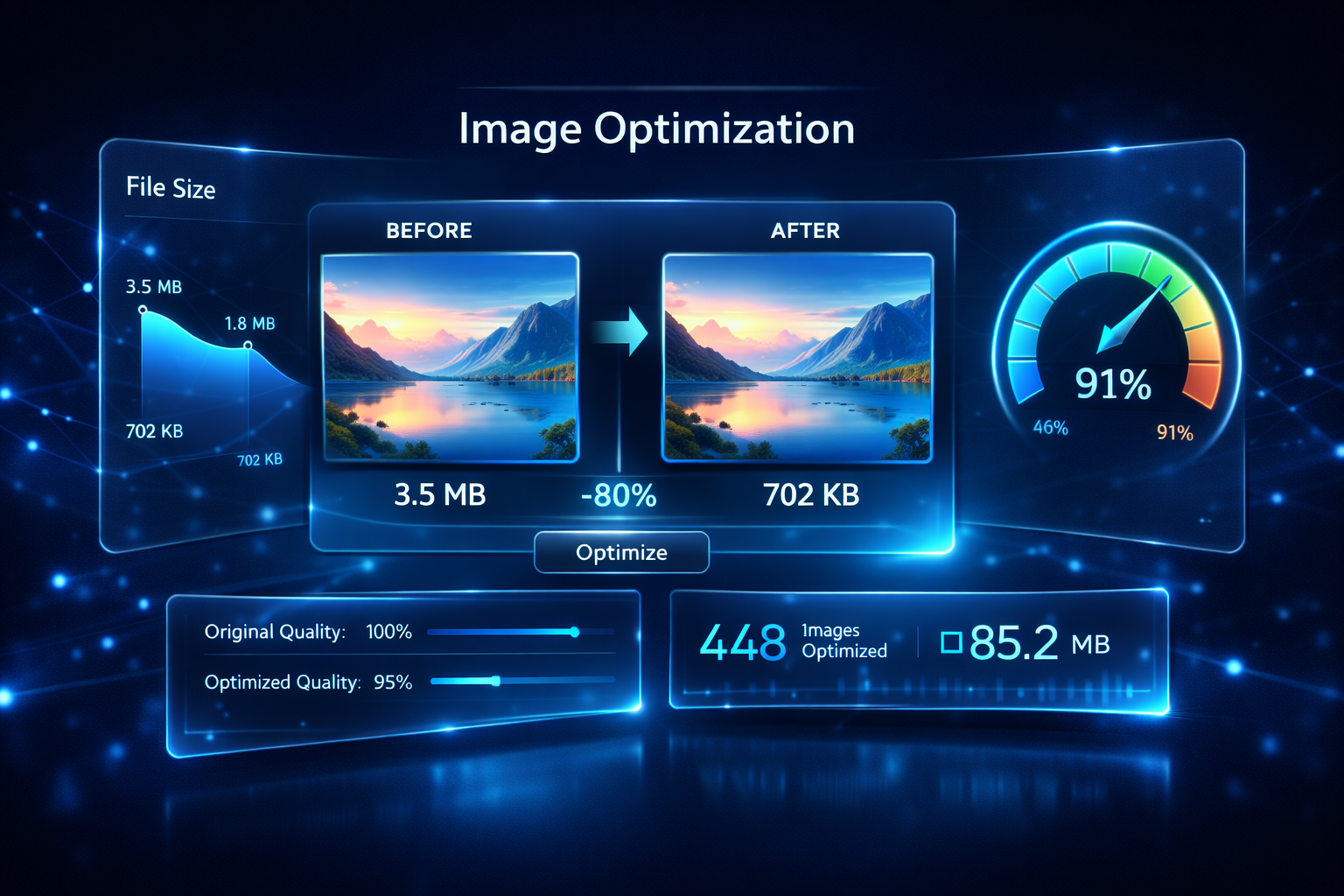
Large image files are one of the most common reasons websites load slowly. Whether you run a blog, ecommerce store, portfolio, or landing page, image optimization plays a major role in performance.
An Image Compressor helps reduce file size so pages load faster while keeping visuals clear enough for users. The goal is not just to make images smaller. It is to create the best balance between quality and speed.
Why image compression matters
When images are too large, they can slow down page speed, increase bounce rate, and create a poor mobile experience. Faster websites usually feel better to use, especially for visitors on slower connections.
Compressed images can help with:
- better user experience
- faster page loading
- lower bandwidth usage
- smoother mobile performance
- cleaner media workflows for blogs and ecommerce
Choose the right image format
Before compressing, it helps to choose the right format.
- JPG/JPEG: good for photos and detailed visuals
- PNG: useful for graphics, logos, and images requiring transparency
- WEBP: a modern format that often delivers smaller file sizes with strong quality
If web compatibility works for your project, converting JPG or PNG files to WEBP can be a smart way to improve performance.
Resize before you compress
A common mistake is uploading a very large image and compressing it without resizing. If your blog content area only needs an image that is 1200 pixels wide, uploading a 4000-pixel image creates unnecessary weight.
Use an image resizer first, then compress the final version.
How much compression is too much?
Too much compression can create blurry edges, muddy colors, and visible artifacts. For blog thumbnails and featured images, aim for a result that still looks sharp on desktop and mobile.
A good workflow is:
- resize the image to the correct dimensions
- compress it carefully
- preview it on real screens
- convert to WEBP if needed
Best use cases for image compression
Image compression is especially useful for:
- blog featured images
- product photos
- landing page banners
- email graphics
- portfolio images
- social preview assets
Image optimization and SEO
Image compression does not replace SEO, but it supports it. Faster loading pages can improve the user experience and reduce friction, especially on mobile devices. It also helps visitors reach your content more quickly.
Add descriptive filenames, relevant alt text, and correct image dimensions for even better results.
Final thoughts
You do not need advanced design software to optimize images for the web. With the right image compressor and converter tools, you can reduce file sizes, improve page speed, and keep your visuals looking professional.
Want faster-loading images for your site? Use Cybinix Tools Image Compressor and WEBP converters to optimize images in minutes.
Contact
Missing something?
Feel free to request missing tools or give some feedback using our contact form.
Contact Us